

Wedding photos with a QR code
Your guests take the photos. You keep every single one.
One QR code on every table. Guests scan and upload photos without an app — and every memory lands in your own gallery.
Maria & Nikos
Share your photos
Scan with your camera
Guest upload
from the browser, no app




Couple's gallery
Download all



See it in action
All of GuestPics in 60 seconds
How easy it is to set up and gather every guest photo in one place.
How it works
Ready in 3 steps
From purchase to the first upload, it only takes a few minutes.
1

Buy & create
One one-off payment from €35. Set up your event and your QR code in minutes.
2
Guests scan
Print the QR code on the tables. Guests scan with their camera and upload instantly — no app.
3
View & download
All the photos in your gallery until 3 months after the event. Download everything in one click.
Why GuestPics
Capture every moment, effortlessly
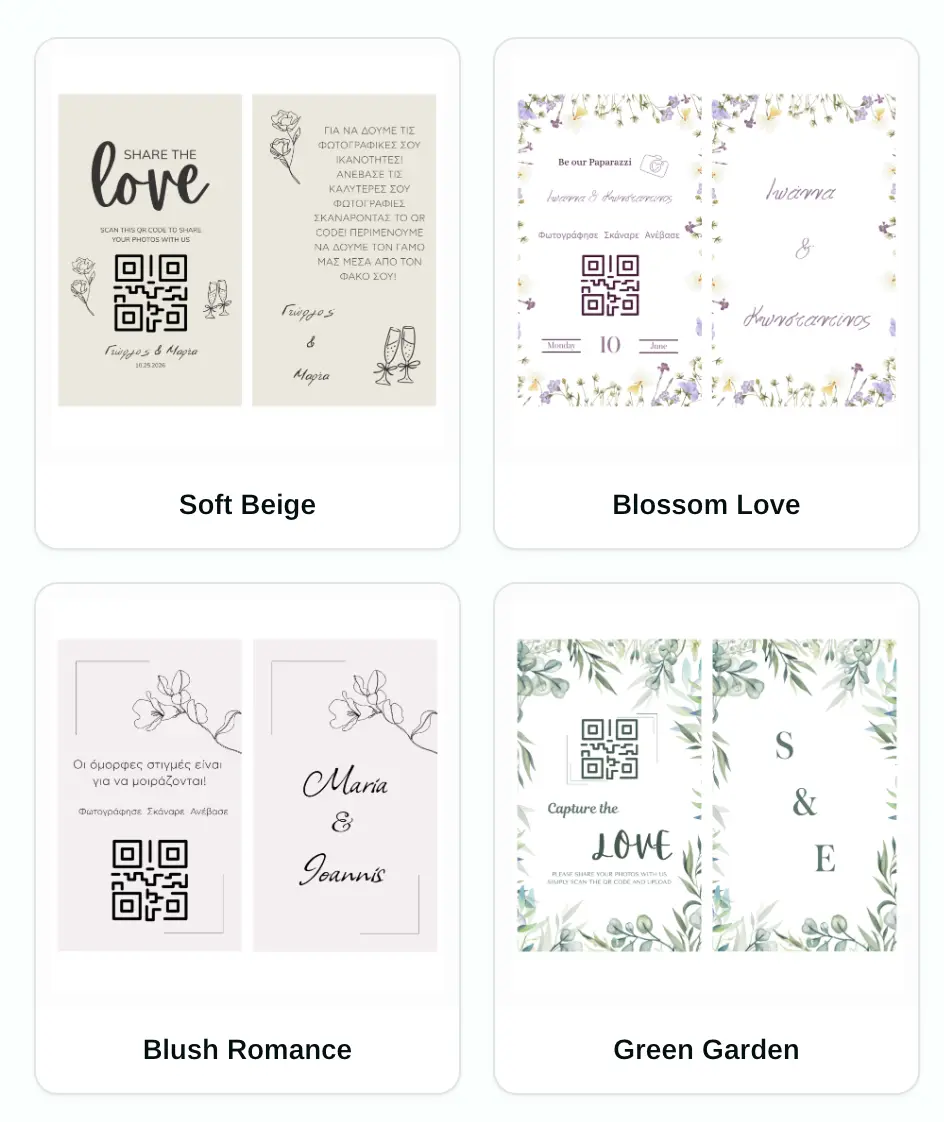
Custom QR codes
Beautiful QR codes that match your theme. Print them on table cards, invitations, or display boards.

Unlimited uploads
No limits on guests or photos. From grandparents to teenagers, everyone finds it easy.

Easy download & sharing
Uploads open 10 days before the event and stay open until 3 months after. Download individual photos or the whole collection.
All the memories
Photos from every angle
Your photographer captures the big moments — your guests capture the candid ones. GuestPics brings them all together, in the same gallery.
Simple pricing
Everything included, one payment
No subscription · No hidden fees
Secure payment · Instant activation
Frequently asked questions
Everything you want to ask
€35 one-off for the Photos package, or €50 one-off for Photos + Videos. No subscription and no hidden fees — both packages include your QR code, unlimited uploads and guests, and uploads from 10 days before the event until 3 months after.
Ready to keep every photo?
Pay once, create your QR code in minutes, and collect uploads from 10 days before the event until 3 months after.
One-off payment · Instant activation · No subscription