
Your Wedding Story,
Beautifully Told
Create a stunning wedding website and e-invitation in minutes. Customize every detail — colors, fonts, photos — collect RSVPs, and share all your wedding information with guests. Completely free.
Already have an account?

Your Wedding,
Your Way

Easy to Use
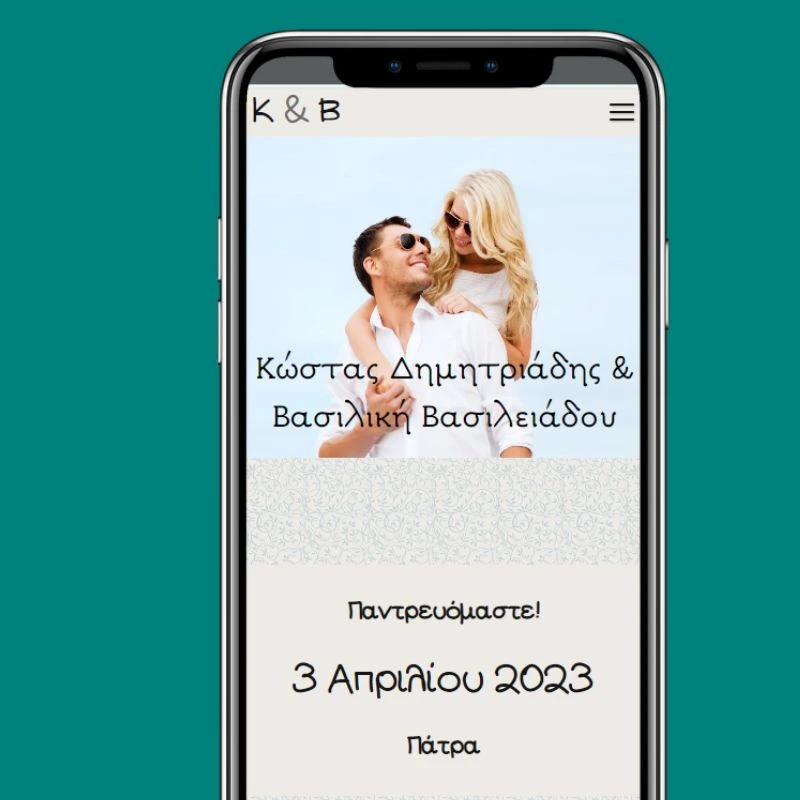
Start your wedding website with just one click. Choose from beautiful designs, then customize everything — colors, fonts, layout, and photos. No coding or design skills needed. Your website is ready to share in minutes.
Share & Collect RSVPs
Send your wedding website to guests via email, WhatsApp, or social media. Guests can RSVP directly on your page, and responses sync automatically with your Guest List. No more chasing replies.
Fully Customizable
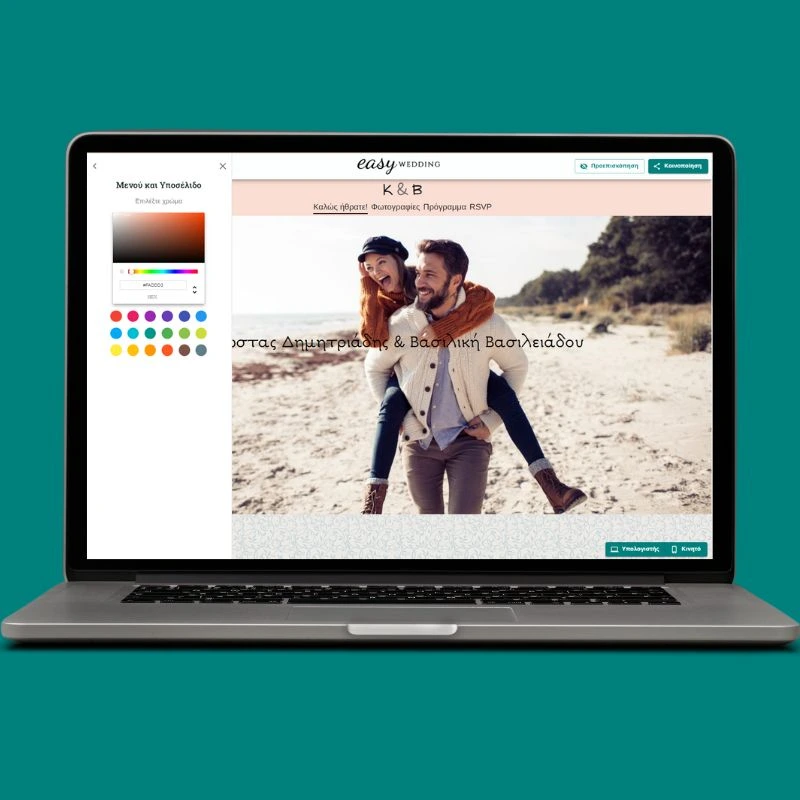
Make it truly yours. Upload your engagement photos, add a photo album, embed a map to your venue, write your love story, and include all the details your guests need — accommodation, dress code, gift registry, and more.
Ready in 3 Steps

Select a Design
Choose from our collection of beautiful wedding website templates. Each design is elegant, responsive, and ready to customize.

Make It Yours
Change colors, fonts, and upload your photos. Add your wedding details, venue information, and love story.

Collect RSVPs
Share your website with guests and collect RSVPs. Responses sync automatically with your Guest List tool.
A Website as Beautiful as Your Wedding
See how your wedding website comes together. From the invitation page to RSVP collection, every section is designed to delight your guests and keep them informed.
"Πολύ ωραίο και δωρεάν εργαλείο! το χρησιμοποιήσαμε για το γάμο μας για τα έξοδα τους καλεσμένους, τα τραπέζια. Η εναλλακτική είναι τo excel αλλά εδώ στα έχει όλα έτοιμα. Συστήνεται εννοείται και σε 1-2 απορίες που είχαμε υπάρχει και υποστήριξη άμεση απο τα παιδιά που το έχουν."

Common Questions
The Complete Guide to Your Wedding Website
A wedding website is the central hub for all your wedding information. It replaces dozens of phone calls, messages, and emails with one beautiful, shareable link. Here's everything you need to know to create a website your guests will love.
How to Create Your Wedding Website Step by Step
1. Choose your design
Start by browsing EasyWedding's template collection. Each design is elegant and mobile-friendly. Pick one that matches your wedding style — romantic, modern, minimal, or classic. Don't worry about getting it perfect right away — you can change the design later or customize colors and fonts to make it your own.
2. Add your wedding details
Fill in the essentials: your names, wedding date, ceremony and reception venues with addresses, and the schedule for the day. Add a map so guests can find the venue easily. Include practical details like dress code, parking information, accommodation suggestions, and any other info your guests might need.
3. Personalize with photos and your story
Upload your engagement photos or favorite couple photos to make the website personal. Write a short love story or 'how we met' section — guests love reading these. Add a photo album if you want to share more moments. The more personal touches you add, the more your guests will enjoy visiting your page.
4. Share and collect RSVPs
Once your website is ready, share the link with guests via email, WhatsApp, social media, or even printed on your paper invitations as a QR code. Enable the RSVP feature so guests can confirm their attendance directly. Track responses in real time — RSVPs sync automatically with your EasyWedding Guest List.
What to Include on Your Wedding Website
At minimum, include your names, date, venue with a map, and an RSVP option. Beyond that, popular sections include: your love story, a photo gallery, the day's schedule, accommodation recommendations, dress code, gift registry or charity donation info, a FAQ for guests, and a countdown to the big day. EasyWedding's templates include all these sections ready to fill in — just add your content.
Paper Invitations vs. Wedding Website
Paper invitations are a beautiful tradition, but they can't collect RSVPs, update in real time, or share a map. The best approach? Use both. Send paper invitations for the formal touch, and include a link or QR code to your wedding website for all the practical details. This way, guests get the elegance of a printed invitation plus the convenience of having everything they need in one digital place. EasyWedding makes the website part completely free.
Create Your Wedding Website Today
Join 25,000+ couples who planned their wedding with EasyWedding. It's free.