Set out the tables
Round, square or long, from 2 to 35 seats each. Drag and turn them to match the room.
- Round
- Square
- Long
- One side

Free wedding seating chart
Set out the reception tables as they stand at the venue and drag your guests to their seats. Your guest list is already there, with every companion and child. On your computer or in the app.
Free, no card needed.
Also on your phone



Scan with your phone's camera to get the app
Try it: drag a guest onto a table
From the guest list to the reception floor
Round, square or long, from 2 to 35 seats each. Drag and turn them to match the room.
The seating plan takes your guest list, by group, with each guest's companions and children. You don't type a single name again.
Nikos Alexiou +2
Vaso
Lefteris
Drop a guest on a table and they take the first free seat, or aim for a particular chair. If the table is full, it tells you.
8 of 8 seats
Download an Excel file of who sits where, or an image of the whole plan, and send it on.
Excel with tables
Plan as an image
"Πολύ ωραίο και δωρεάν εργαλείο! το χρησιμοποιήσαμε για το γάμο μας για τα έξοδα τους καλεσμένους, τα τραπέζια. Η εναλλακτική είναι τo excel αλλά εδώ στα έχει όλα έτοιμα. Συστήνεται εννοείται και σε 1-2 απορίες που είχαμε υπάρχει και υποστήριξη άμεση απο τα παιδιά που το έχουν."

Inside the seating plan
If your venue or wedding planner works with EasyWedding, they give you a code and you see the real room with its tables. You just seat your guests, and they see where everyone sits.
Venue code
K7Q2PM
Companions and children each get their own seat. Until they do, a small badge on the guest shows how many are still waiting.
Nikos Alexiou +2
The plan and the guest list are the same list. Whoever you add to your guests appears in the seating plan, ready to be seated.
+ Vaso
Vaso
With a mouse on your computer, with your finger on your phone: in the EasyWedding app the seating plan works with pinch to zoom and drag.
The EasyWedding app
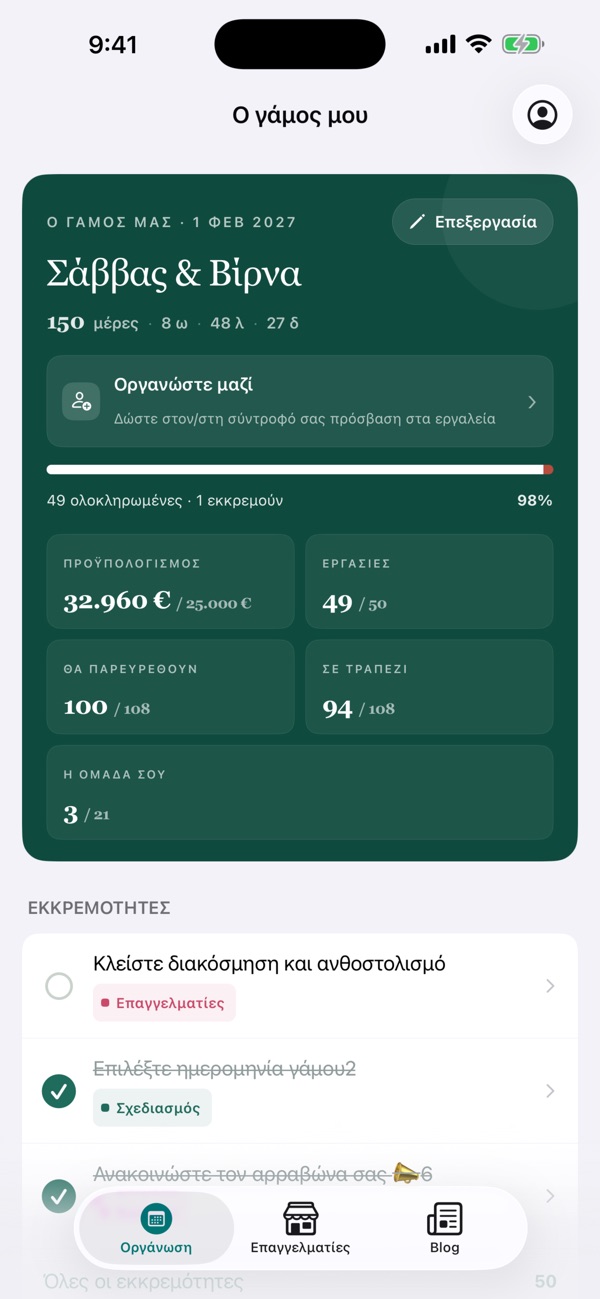
At the venue with the manager, or at home with the parents: open the plan on your phone and move guests around with your finger. Whatever you change is already on the web.
Scan with your phone's camera to get the app
One account on the web and on your phone. Everything stays in sync.
A well-thought-out seating plan is essential for a smooth reception. It makes every guest feel welcome, helps the venue set up correctly and avoids last-minute chaos. Here's how to create the perfect layout.
Before you place tables, make sure your guest list is nearly final. Know how many guests are coming, how many adults and children, and whether anyone has special needs. Use the guest list to follow RSVPs: the seating plan uses the same list.
Ask your venue for a floor plan showing where tables go, where the dance floor is and where the head table sits. That decides how many tables you need. Round tables usually seat 8–10 guests, while long tables offer more flexibility.
Place the head table first, usually the couple, the parents and the koumbaroi. Then seat close family, close friends, colleagues and relatives. Group people who know each other, and think about the dynamics: who gets on, and who might not.
Once everyone is seated, review the plan with your partner and your parents. Look for awkward groupings, unbalanced tables or forgotten guests. With drag and drop, changes take seconds. Download the final version and send it to the venue.
Keep couples together but don't isolate them: mix social groups where you can. Seat older guests away from speakers and close to exits. Put children near their parents or at their own table. If some guests don't know many people, seat them next to sociable, welcoming ones. In Greek weddings family dynamics matter, so ask your parents about the relatives.
Drawing a seating plan on paper looks simple, but it quickly gets frustrating. Every time a guest cancels, changes table or a new RSVP arrives, you erase and redraw. EasyWedding's seating plan lets you drag guests between tables instantly, uses the same list as your guests, and gives you an Excel file and an image of the plan whenever you need them.
More than 25,000 couples planned their wedding with EasyWedding. The seating plan is free, on your computer and in the app.
Keep planning